
What VINELink Covers in Sharkey County
Mississippi's statewide program goes by SAVIN, short for Statewide Automated Victim Information and Notification. The Department of Corrections runs it. VINELink supplies the public search and sign-up screens. By the state's own description, SAVIN is a confidential automated service covering offenders in MDOC custody and people held in county jails that take part.
That word participating carries real weight here. The state does not list Sharkey County Jail among confirmed participants. A search can still return a record. But statewide reach never guarantees that every Sharkey booking lands in the system, so call SAVIN or the Sheriff before trusting a negative result.
The service can report one person's custody status and send notices when it changes. It is not a countywide arrest feed. It is not a mugshot source, warrant list, court docket, or full criminal history. The official VINELink interface is the place to start.

The VINELink site shows the service's entry point. It does not confirm that Sharkey County participates.
How to Check a Sharkey County Arrest on VINELink
Start with the person's full legal name. Add any identifier the jail or court has already given you. Do not send private details through a site you cannot verify.
- Open VINELink and select Mississippi.
- Choose the person search and enter the full name. Use an offender or custody ID when known and accepted.
- Review potential matches carefully. Compare identifiers and custody details instead of relying on name alone.
- Open the likely record and note its facility, status, identifier, and information date.
- Confirm with the listed facility when location or release matters. If nothing appears, call SAVIN and the Sheriff rather than concluding there was no arrest.
The Sheriff's Office sits at 120 Locust Street, Rolling Fork, MS 39159. The phone is 662-873-4321, and the fax is 662-873-6135. Confirm any separate jail address or number there. Secondary directories are the only place those details appear. Docket, booking, bond, release, transfer, and court records call for a wider view. Turn to the Sharkey County recent-arrests guide.
What VINELink Shows After an Arrest
What fields appear depends on the agency. Treat a result as a status report inside SAVIN, not a story about the incident or the prosecution.
| Possible field | How to interpret it |
|---|---|
| Name and limited identifiers | Help distinguish similar names; verify with the facility. |
| Offender or custody ID | Provides a stronger match and reference for calls. |
| Custody status | Reflects reported status, subject to delay. |
| Facility or agency | Identifies where direct confirmation should begin. |
| Transfer or return | Signals a custody event, not a court outcome. |
| Release | Means custody ended as reported, not necessarily that charges ended. |
| Escape or absconding | Describes a custody or supervision change for official verification. |
Mississippi sends notices for transfer, return to custody, escape or absconding from supervision, and release. One person can trigger several. Keep the identifier and the event date so you can compare each update with the last.
How to Register for Mississippi SAVIN Alerts
Victims, survivors, relatives, and friends may register. So may schools, neighborhood groups, service providers, legal-system participants, law enforcement, and the public at large. Registration stays confidential. The current interface controls which channels and confirmation steps are open.
- Locate and verify the correct person’s record.
- Select the notification option attached to that record.
- Choose an available contact method, such as telephone or email, and enter it carefully.
- Select the qualifying custody events offered, which may include release or transfer.
- Create or record any PIN or confirmation information required. Do not share it publicly.
- Complete confirmation and save the offender ID, registration details, and SAVIN numbers separately.
- Update or cancel registration through the official service if contact details change.
Need help? Call the Mississippi SAVIN office at 601-359-5759 during business hours. A 24-hour representative sits at 1-888-9-MSSAVIN, with TTY at 866-847-1298. Ask directly whether Sharkey County Jail takes part.
VINELink Limits and Direct Confirmation
A missing result does not mean release. The county may not participate. The booking may not have transmitted yet, the name may be spelled differently, or custody may have moved somewhere outside SAVIN. Confirm with the facility holding the person.
Sharkey County publishes no same-day online roster, blotter, booking app, or photo feed. After a fresh arrest, ask the Sheriff to search the jail docket. Use the full name. Then add age or date of birth, arrest date, and arresting agency. Ask whether the person was released, transferred, cited, or booked somewhere else. The Daily Arrest Report walks through this same-day fallback.
VINE is also not the federal Bureau of Prisons locator. MDOC custody is different from a fresh county booking. MDOC search matters only after a state transfer or sentence. The official BOP inmate locator shows that separate federal channel.
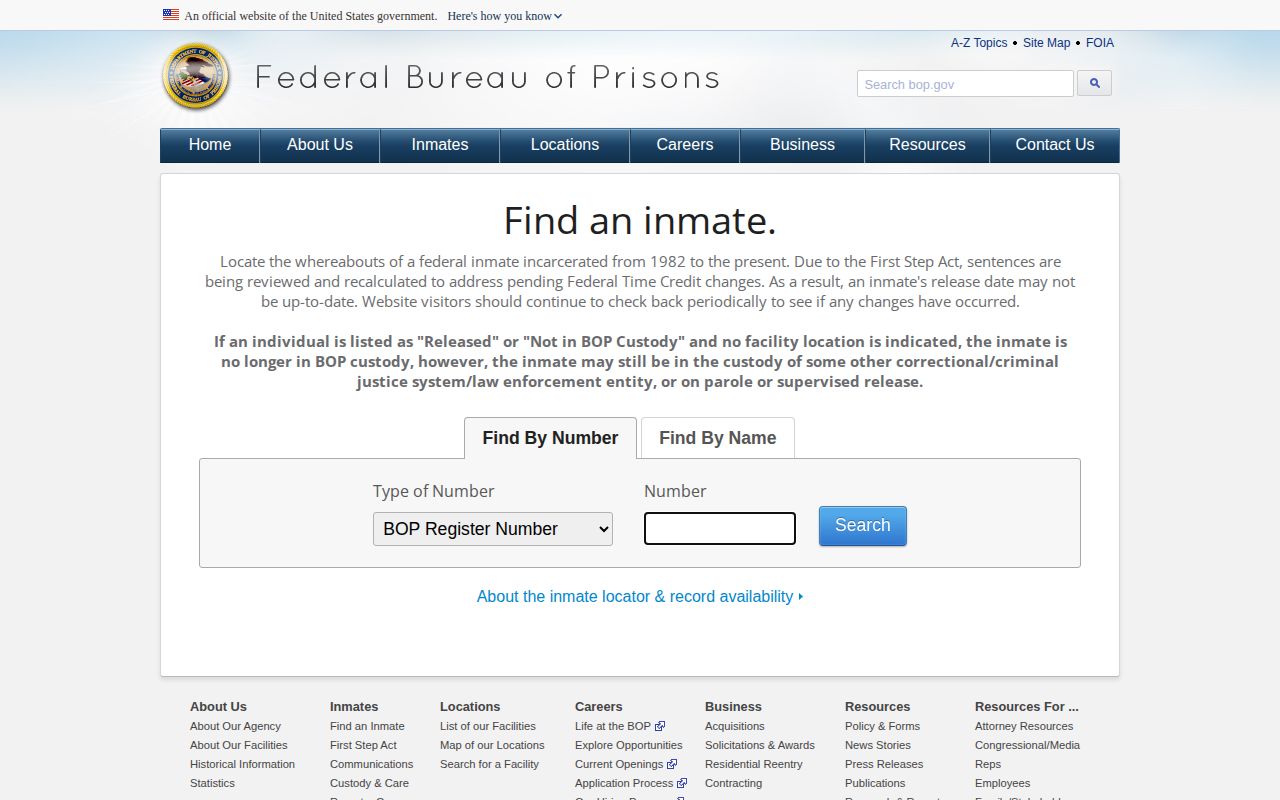
Use that federal interface only when federal custody is indicated. It cannot confirm a Sharkey County booking.
Why a Sharkey County Arrest May Not Appear
An empty search can mean many things. The jail may not participate. The booking may be too new. The system may hold a different spelling or identifier, the person may have been cited and released, the record may be restricted, or custody may sit in another county. One Sharkey-related pursuit report placed custody in Issaquena County, which shows why the receiving facility matters.
Work outward from the event itself. Ask the arresting agency where the person went. Ask the Sheriff whether the docket holds a commitment, release, or transfer entry. Ask SAVIN whether the named facility participates. If a court case has started, pull its affidavit, warrant, case number, or initial-appearance entry. News pages and commercial sites are no substitute for confirmation.
Does a release notice mean the case is over? No. Release speaks only to custody. Dismissal, plea, acquittal, conviction, and every other outcome live in the court record. A person can leave jail on bond while a charge moves ahead, or transfer facilities while still in custody.
What to Do After a VINELink Notification
Open the notice and read four things first. Check the event type, the facility, the identifier, and the timestamp. A transfer notice means you should call the receiving facility directly. A release notice is different. Confirm the timing with the facility, then turn to the court docket for anything about the case itself. If the alert reports a return, an escape, or absconding, leave it to law enforcement. Never approach the person or try to track them down.
Expect repeat notices as custody status shifts. Keep them in order, but don't mistake them for a lasting public record. If the identity details look wrong, ask SAVIN which contributing agency owns the correction. Should a court later document a dismissal, an acquittal, a correction, or an expunction, save that paperwork alongside the original custody record. It matters more than the alert.
Keep your contact details current. Make sure phone screening or spam filters are not quietly eating the notices you need. Treat the service as a safety aid. It cannot replace a personal safety plan or emergency responders. If danger feels immediate, call emergency authorities right away. SAVIN staff handle registration questions, the jail confirms who is physically in custody, and the clerk of court tracks the legal case.
Sort your notes into three timelines. Arrest and booking facts come from the agency and jail. Custody updates come from the facility through SAVIN. Prosecution belongs to the court. Write the source and date next to each fact. That habit keeps a release alert from looking like a dismissal, and an older booking from looking like a new arrest.